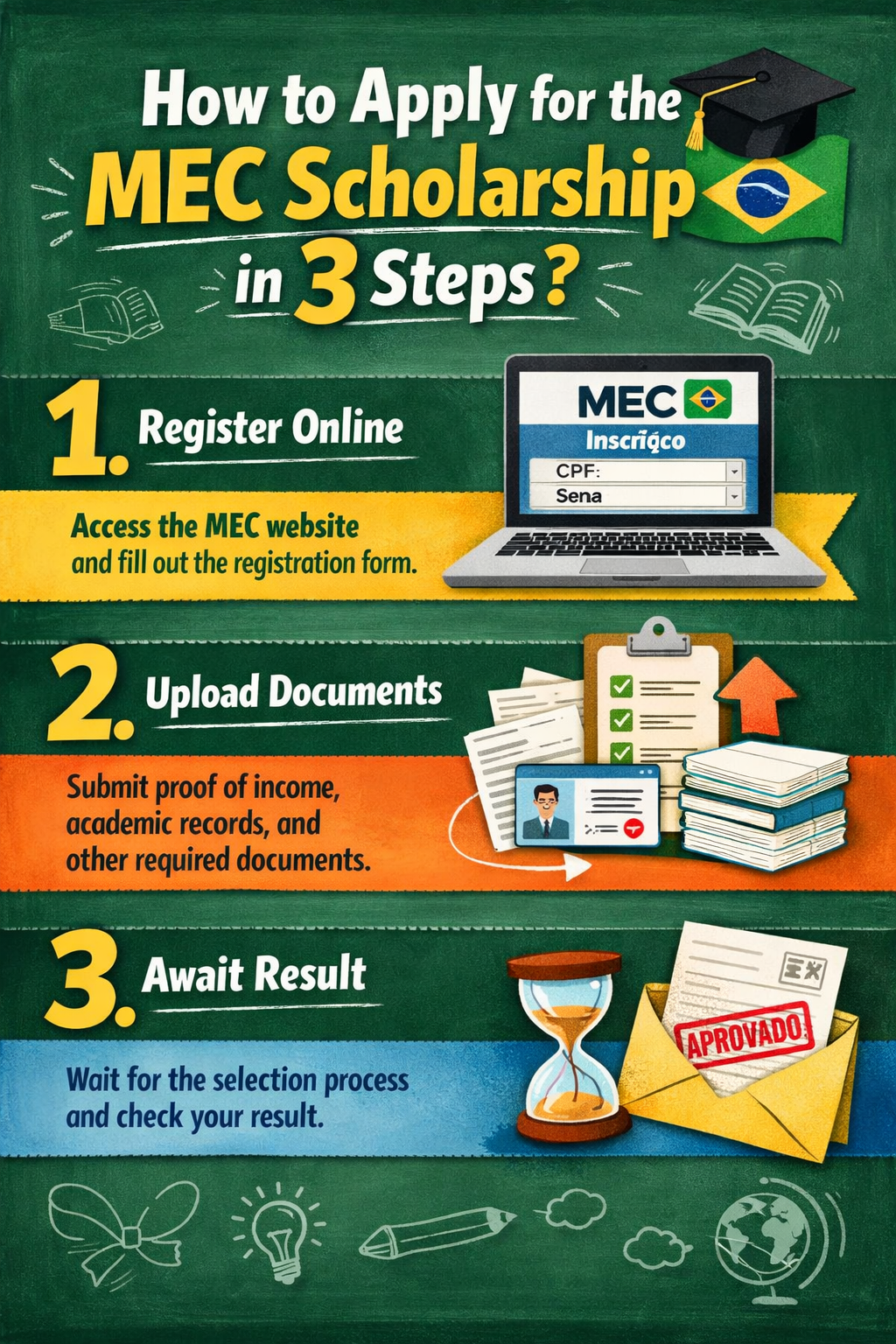
Applying for one of the MEC scholarships offered by the government each academic year can be very easy if you have all the information at hand. If you pay attention to the calls for applications, carefully read the requirements and deadlines, and prepare all the required documents in advance, you shouldn’t have any problems with your application. Here are the 3 steps to apply for an MEC scholarship for students!
Since we know that bureaucratic processes can be long, difficult, and tedious, here are the 3 key steps you must follow if you want to apply for your MEC scholarship for students, so that everything is crystal clear when registering on the Electronic Headquarters and proceeding with your application.
Step 1. Pay attention to the call
First of all, you should know that even if you haven’t yet enrolled in your course, master’s program, or any other subsidized training, you must apply for your scholarship within the established deadlines. If you ultimately don’t get a place, the scholarship will not be processed, and you can apply again the following year.
The call for applications is usually published in the BOE (Official State Gazette) during July of each year. Once published, and approximately 15 business days later, you can begin applying for the grant. The application period typically ends between the end of September and mid-October. In any case, it’s best to pay attention to any updates each year and to familiarize yourself in advance with the requirements, documentation, and other details of the grant you wish to apply for. You can find all the information you need in our practical guide to applying for a MEC grant for students.
Step 2. Registration at the Electronic Office
The second of these three steps to apply for a MEC scholarship for students is registering on the Electronic Office website. Once the call for applications is published, you must apply online through the Ministry of Education and Vocational Training’s Electronic Office. You have two options:
- If you are not registered
If you haven’t registered yet because you didn’t apply for a scholarship in previous years, go to “Register” and follow the instructions. You’ll usually choose the “Registration as an Individual without a Digital Certificate “ option . You’ll see that it asks for some personal information (name, ID number, mobile phone number, email address, and password). It’s important to make sure this information is correct, accessible at any time, and that you write it down somewhere safe, as you’ll use this information to access the online portal later to check the status of your scholarship or make any urgent changes, and it’s also how the Ministry will contact you.
After entering your information, the Ministry of Education will send you a message to activate your account. If you don’t receive the message, check your spam or junk mail folder. Once you receive the message and activate your account, you can access the Electronic Office as explained below.
- If you are already registered
Once you are registered, either because you have followed the previous steps or because you applied for a scholarship in previous years through this method, you can log in with your ID and password.
If you have trouble accessing (because you haven’t received the activation email or because you’ve forgotten your password or email address), at the bottom you’ll see “Access Issues”.
To make any changes to your data in the Electronic Office, you must access the desired option in the right-hand column: modify my data (for personal data), modify password, search procedures, my files (to see the status of your applications), my notifications (it is important to check this from time to time as it is the direct means of communication with the Ministry) and Electronic Registration receipts.
Step 3. Fill out the online form
The final step in your MEC scholarship application is to complete the online form. Once you’ve done that, simply download or print the submission receipt. That’s it! Unless the Scholarship Unit requires additional documentation, you generally don’t need to submit anything else.
Only in some of these exceptional cases will you need to submit additional documentation. If:
- You have received income from abroad
- You have declared yourself independent (you will need to prove ownership or rental of the property and the income obtained in the previous year)
- You have applied for residence assistance but have not filled in the required information on the application form (you will need to submit your lease agreement).
- If you are pursuing university studies with a change of university, you must submit a certificate of your previous studies.
Tips for applying for a scholarship
We’ve already explained the 3 steps to apply for a MEC scholarship for students. Now, we offer you a series of practical recommendations to be as efficient as possible when applying for and completing your scholarship:
- Before you begin, it’s important to have the original or a copy of the ID cards/residence permits of all family members on hand, as you’ll be asked for information such as expiration dates. Since you only have 5 minutes to complete each form, you should save your work (using the ” save draft ” button on each form) to avoid losing it if the platform disconnects.
- Don’t forget to click the ” submit ” button on the last page to generate your submission receipt and save it. Your scholarship application will not be considered submitted until you do this.
- When the scholarship application process begins, the Ministry may ask you to submit documents that justify the circumstances claimed (disability, large family, rental agreements, etc.), so you should keep an eye on the ” my notifications ” section that we mentioned earlier, so that you don’t miss any notices.
- Don’t leave the form until the last day! Familiarize yourself with the platform in case there are any network problems, know the call for applications and the requirements of the scholarship you are applying for inside out, and memorize the deadlines.
Everything you need to know about MEC SCHOLARSHIPS
Administrative language and official state bulletins (BOE) can often be difficult to understand when trying to grasp the details of applying for a MEC grant. At Natuaventura, we want to make your life easier, so we’ve created the ultimate practical guide to provide you with all the information you need about these government subsidies. Find out everything you need to know!